
- Home
- Free tools
FREE SEO TOOLS
Free SEO tools that run in your browser
A toolkit of 25 free SEO and image tools, made by SiteAuditLint. Check robots.txt, generate schema and meta tags, preview how a page looks in Google and on social, compress images and more. Every tool runs in your browser, with no signup and nothing to install.
- 25 free tools
- No signup
- Runs in your browser
BROWSE ALL 25 TOOLS
Pick a tool and get the fix in seconds
Each tool does one job well: paste your text, code, URL or image and get an answer right away. They are grouped below by the kind of work they help with, from site audits and keywords to technical SEO, meta tags, schema and images. Need to check a whole site instead of one page at a time? The free desktop crawler runs every one of these checks across all your pages.
Site audit and AI search
3 TOOLSStart here. Score a page for technical and on-page SEO, see whether AI assistants cite you, and catch the writing patterns that AI detectors flag.
Free Site Audit
Check any URL for technical SEO and on-page issues, with a health score and priority fixes.
Run audit →
AI Visibility Tracker
Track brand mentions, share of voice and cited sources in Google AI Overviews and AI Mode.
Check citations →
AI Content Pattern Checker
Spot the repetitive patterns AI detectors flag, like uniform rhythm and stock phrases, before you publish.
Check content →Keywords and content
3 TOOLSPlan what to write and keep it tight. Find keyword ideas, measure density and count words with a readability grade.
Keyword Density Checker
See word and phrase frequency, density percentages and 1 to 3 word counts from any text.
Check density →
Keyword Generator
Turn one seed keyword into long-tail ideas, questions and modifier combinations, then export the list.
Generate ideas →
Word Count Checker
Count words, characters, sentences and reading time, plus a readability grade for your draft.
Count words →Technical and international SEO
8 TOOLSGet the plumbing right. Test and build robots.txt, create redirects and sitemaps, clean up slugs, draft an llms.txt and check hreflang for multi-language sites.

Robots.txt Checker
Test any URL against Googlebot, Bingbot, GPTBot and ClaudeBot rules, and find syntax errors.
Test robots.txt →
Robots.txt Generator
Set allow and disallow rules, block AI crawlers with one click, and add your sitemap.
Build robots.txt →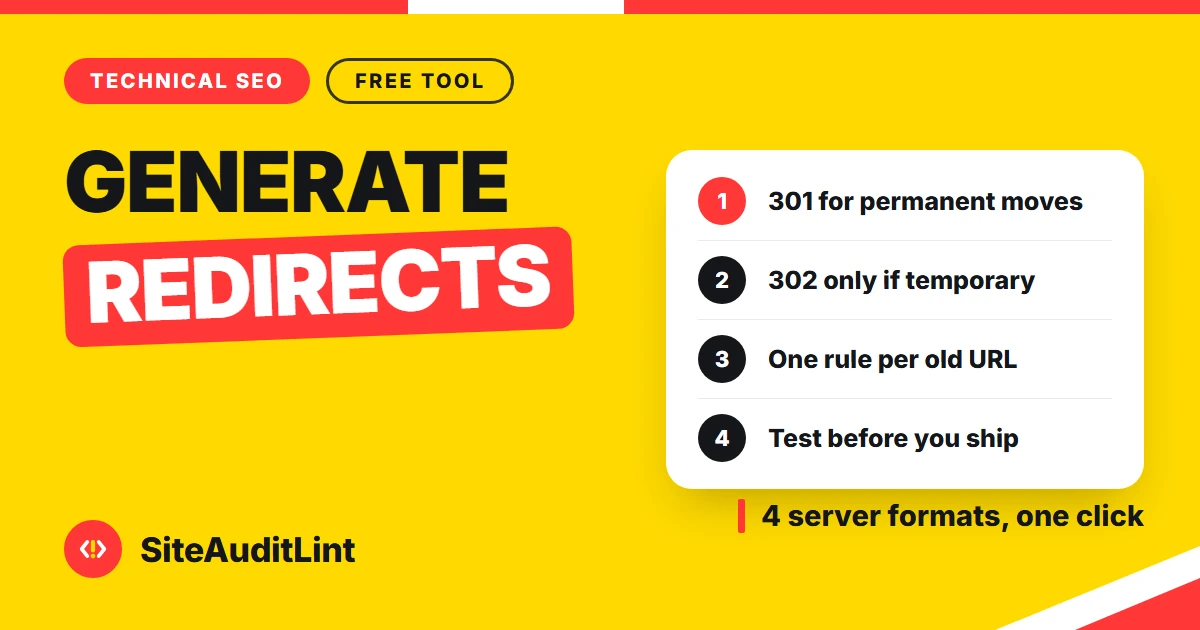
Redirect Rule Generator
Turn old-to-new URL pairs into 301 rules for Apache, Nginx, Netlify and Vercel.
Make redirects →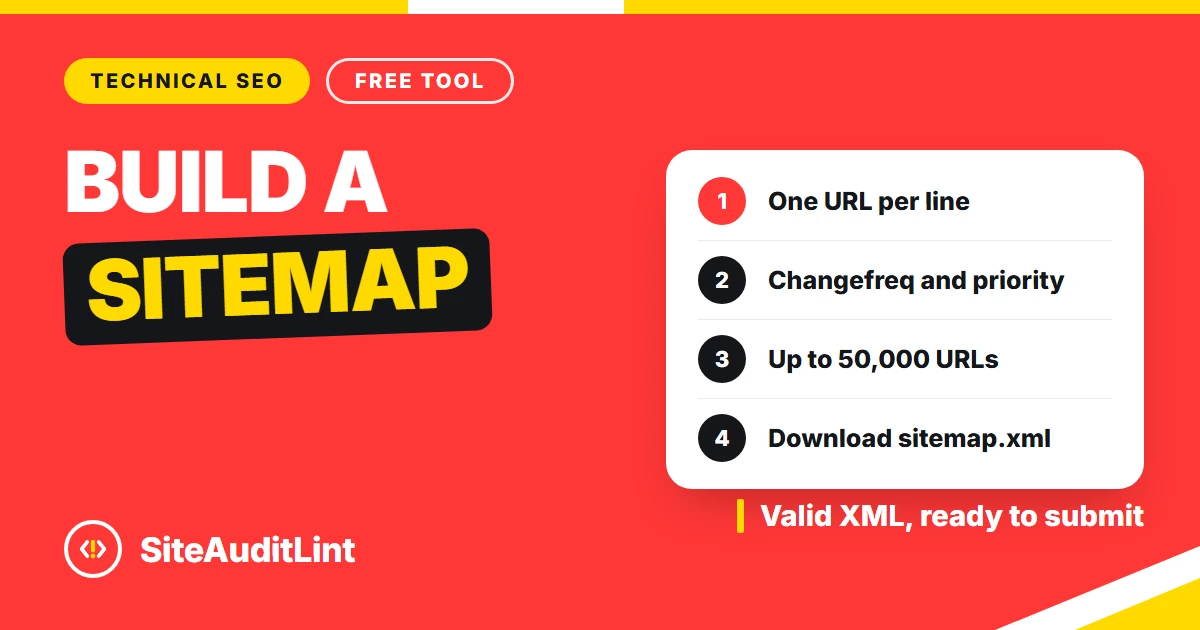
XML Sitemap Generator
Paste page URLs to build a valid sitemap.xml with lastmod, changefreq and priority.
Build sitemap →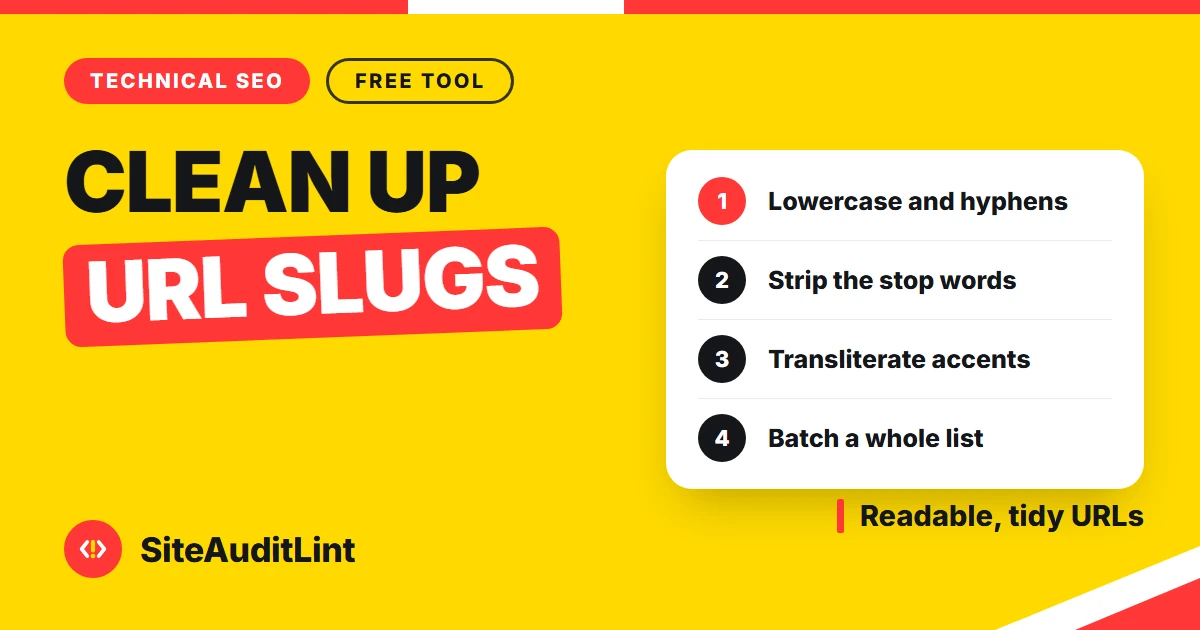
URL Slug Generator
Turn any title into a clean, lowercase, hyphenated, SEO-friendly slug with accent handling.
Make a slug →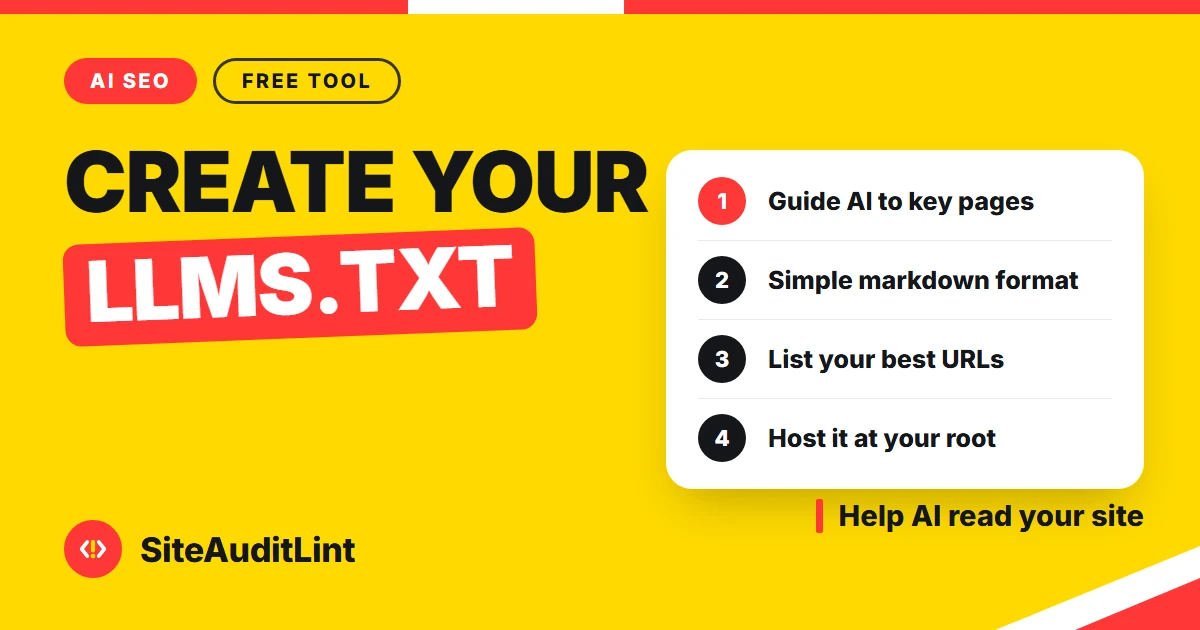
llms.txt Generator
Validate your llms.txt line by line against the llmstxt.org proposal, or build a draft from your URLs.
Build llms.txt →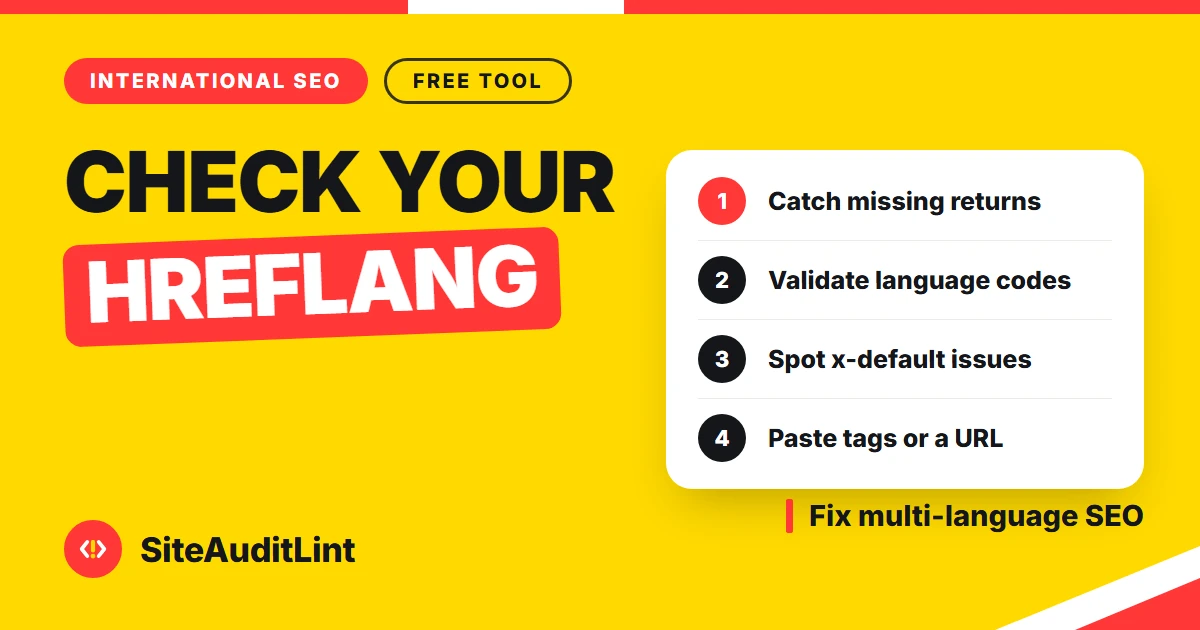
Hreflang Validator
Check hreflang tags for invalid language and region codes, missing return links and x-default.
Validate hreflang →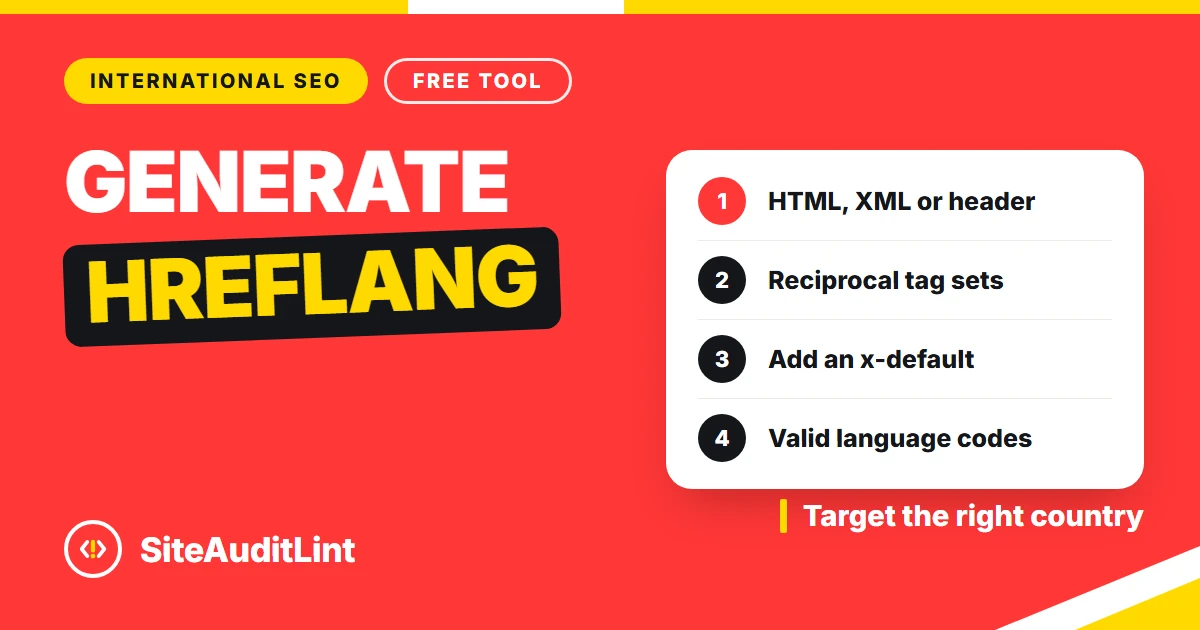
Hreflang Generator
Generate hreflang tags for HTML, XML sitemaps or HTTP headers, with x-default included.
Build hreflang →Meta tags, schema and snippets
5 TOOLSControl how your pages look in search and when shared. Validate and build JSON-LD schema, write meta and Open Graph tags, and preview your Google snippet.
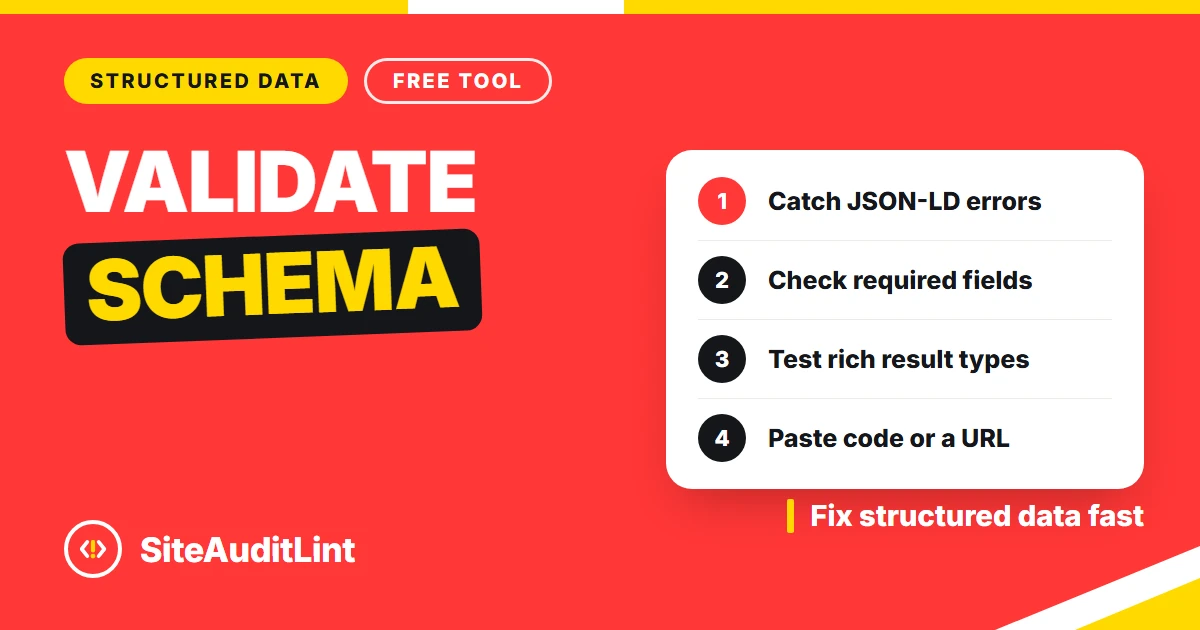
Schema Markup Validator
Check a page or paste JSON-LD to find schema errors, invalid values and missing required properties.
Validate schema →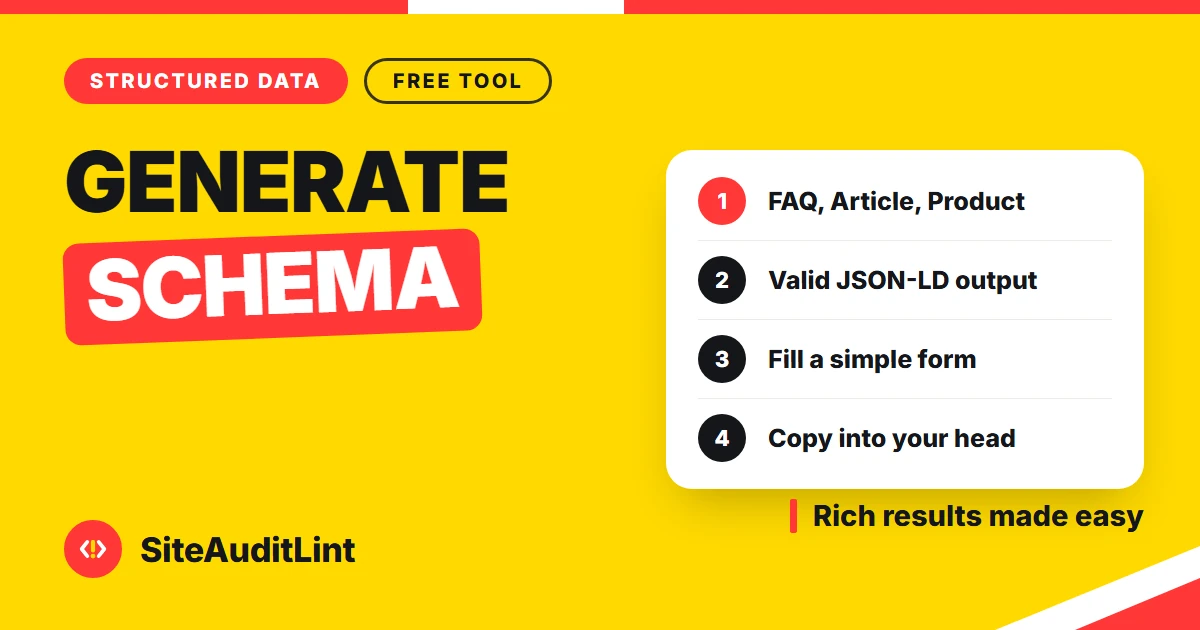
Schema Markup Generator
Create valid JSON-LD for Article, Product, FAQ, Local Business, Organization and Breadcrumb.
Build schema →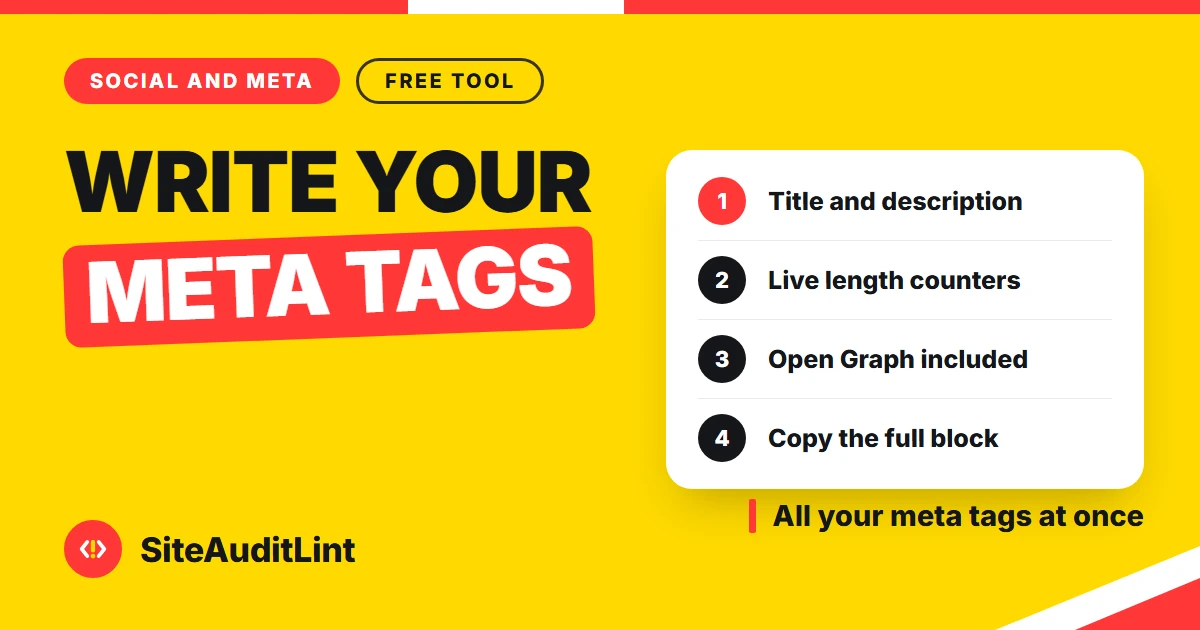
Meta Tag Generator
Build title, description, canonical, robots and Open Graph tags with a live Google preview.
Build meta tags →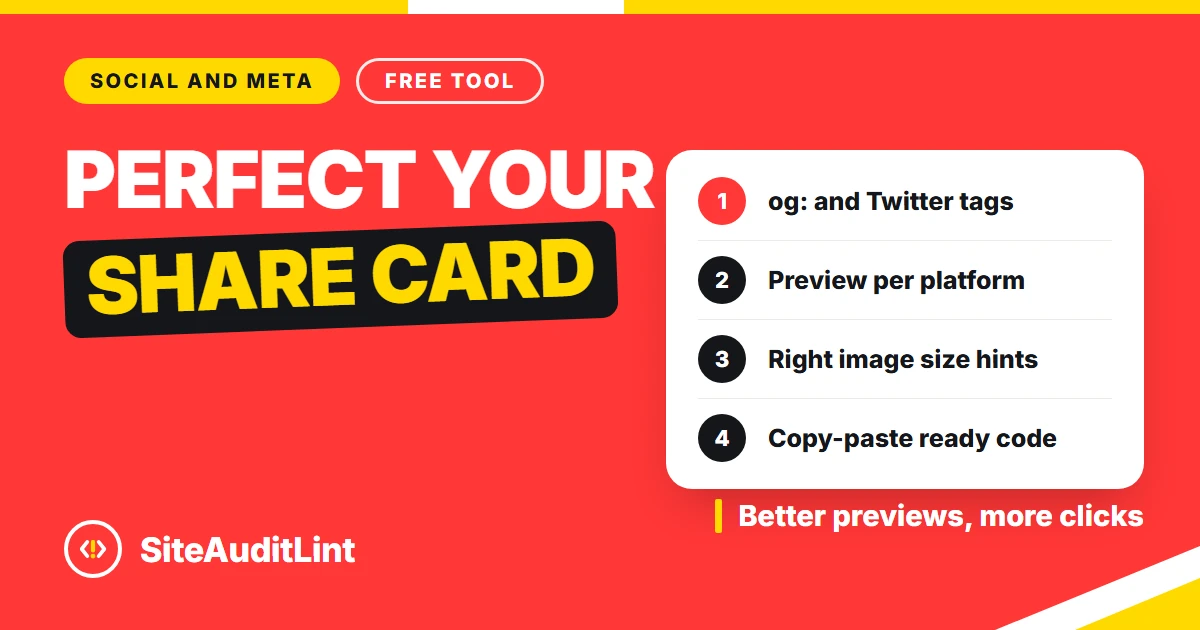
Open Graph Generator
Create Open Graph and Twitter Card tags and preview your link on Facebook, X, LinkedIn and Slack.
Build OG tags →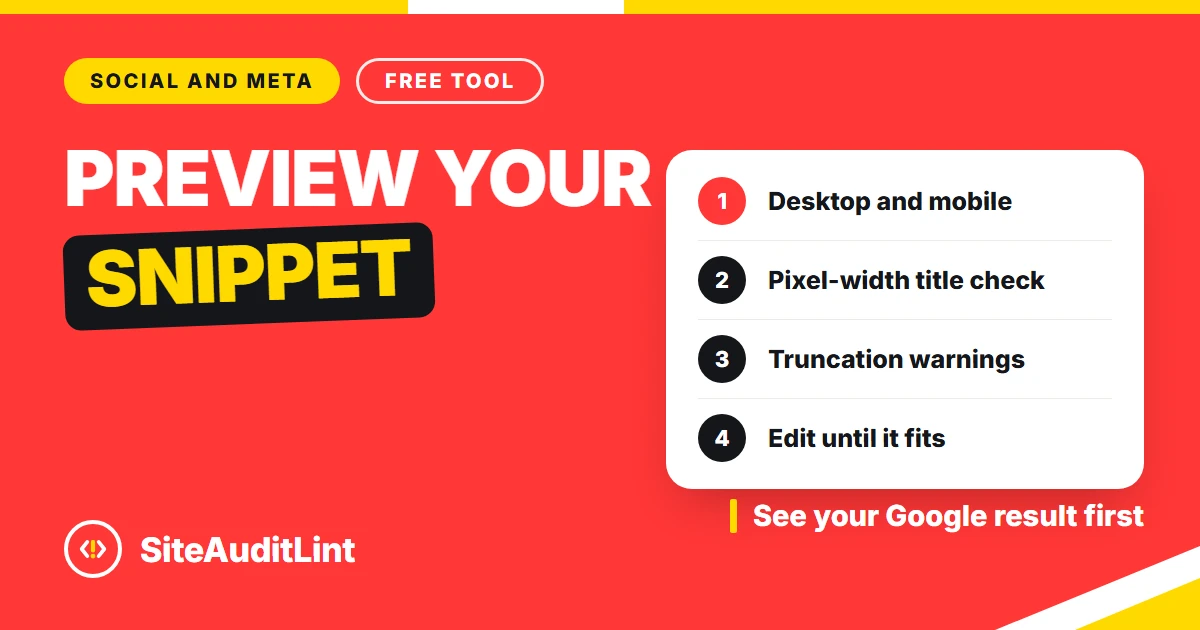
SERP Snippet Preview
See how your title and description look in Google, with pixel-width limits for desktop and mobile.
Preview snippet →Analytics and tracking
2 TOOLSTurn data into next steps. Find the keywords you nearly rank for, and tag your campaign links so they report cleanly in analytics.
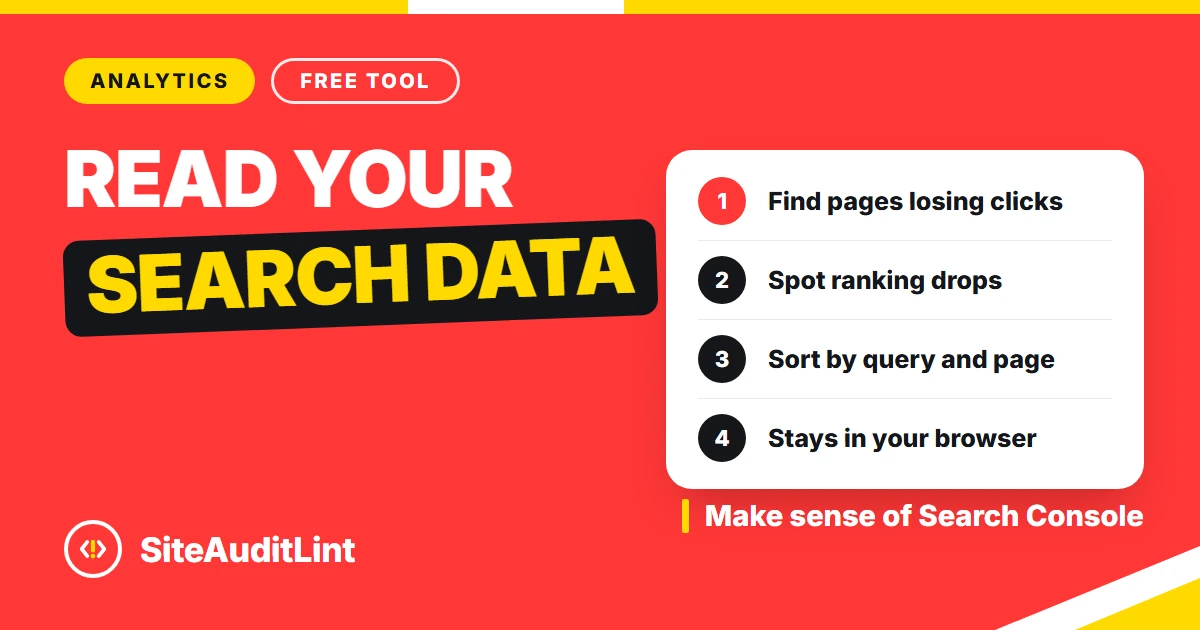
Image tools
4 TOOLSShip lighter pages. Compress and convert images in your browser, with nothing uploaded to a server.
Image Compressor
Compress JPG, PNG and WebP in your browser, or hit an exact target size like 50KB or 100KB.
Compress images →
Image Converter
Convert images between JPG, PNG and WebP right in your browser, with no upload.
Convert images →
JPG to WebP
Convert JPG and JPEG images to WebP for much smaller files, all on your device.
Convert to WebP →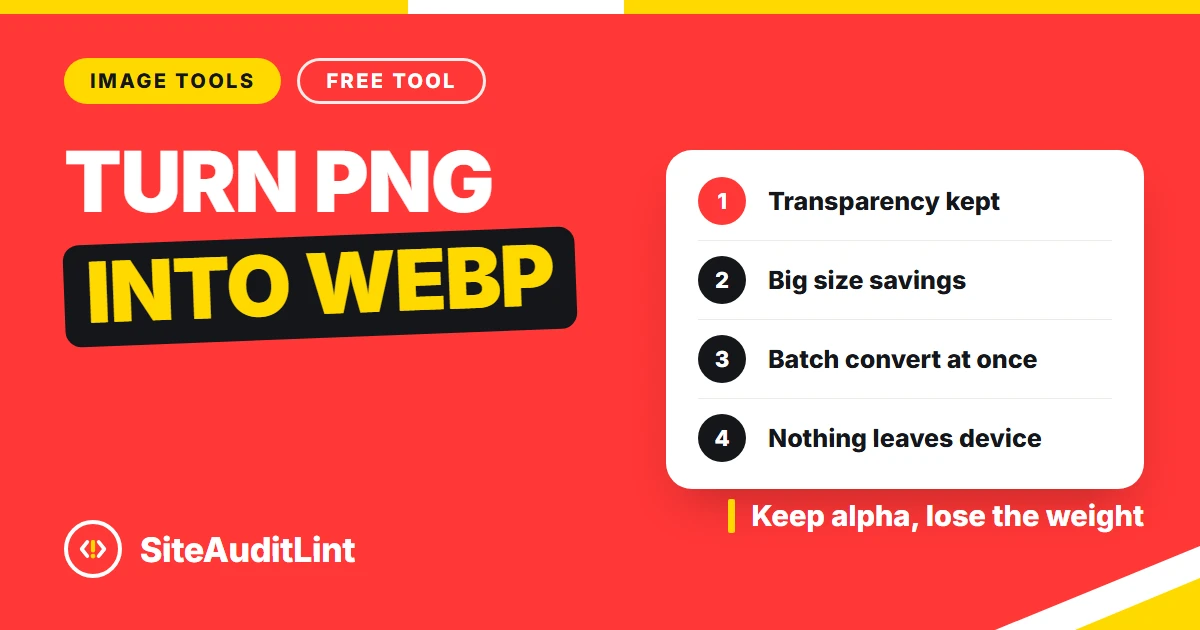
PNG to WebP
Convert PNG images to WebP for smaller files, with transparency kept intact.
Convert to WebP →HOW THEY WORK
No accounts, no uploads, no waiting
These are not trial versions or gated demos. Each tool is a single page that loads fast and does its work on your device, so your text, code and images stay private.
Open a tool
Pick a tool from the list above or the menu on the left. It loads instantly, with no signup screen and nothing to download.
Paste or type your input
Drop in your text, a URL, some JSON-LD or an image. Most tools update live as you type, so you see the result immediately.
Copy, download or fix
Copy the generated code, download the file or read the list of issues to fix. Then move on to the next page or the next tool.
WHY USE THEM
Built by the team behind a real SEO crawler
SiteAuditLint is a desktop SEO crawler. These free tools use the same checks, scaled down to one page or one file at a time, so you can fix something fast without opening the whole app.
Free, with no limits
No signup, no credit card and no daily cap. Use every tool as often as you like, for your own sites or for client work.
Your data stays with you
Most tools run entirely in your browser. The text, code and images you paste are processed on your device and never uploaded.
Answers in seconds
Each tool does one job and shows the result right away, often live as you type. No queues, no report emails to wait for.
The same checks as the app
The rules behind these tools match the SiteAuditLint desktop crawler, so a fix here is a fix that holds up in a full audit.
25 tools in one place
Audits, keywords, content, robots.txt, sitemaps, redirects, schema, meta tags, snippets and image work, all under one menu.
Scale up when you need to
When one page is not enough, the free desktop app runs these same checks across up to 100 URLs at once.
TOOLS VS DESKTOP APP
When to use a free tool, and when to crawl
The browser tools are perfect for a single page, file or snippet. For a whole site, the free SiteAuditLint desktop app finds the same issues everywhere at once.
| What you need | Free browser tools | SiteAuditLint desktop app |
|---|---|---|
| Check a single page or file | Yes | Yes |
| Crawl a whole site | One URL at a time | Up to 100 URLs free |
| Find issues across every page at once | No | Yes |
| Fixes ranked by impact | No | Yes |
| Signup required | No | No |
| Price | Free | Free, Pro $99 one-time |
The free desktop app crawls up to 100 URLs. Download SiteAuditLint or see the Pro and Agency plans.
FAQ
Questions about the free tools
Are these SEO tools really free?
Yes. All 25 tools are free with no signup and no usage limits. They are made by SiteAuditLint to help with everyday SEO work, and they also show you what the free desktop crawler can check across a whole site.
Do I need to install anything to use them?
No. Every tool runs in your browser, so there is nothing to install. If you later want to crawl a whole site instead of checking one page at a time, the free SiteAuditLint desktop app for Windows crawls up to 100 URLs.
Is my data private?
Most tools do all of their work in your browser, so the text, code or images you paste never leave your device. A few tools that need live data, such as the site audit and the AI visibility tracker, only use the URL or API key you provide.
How many free tools are there?
There are 25: SEO tools for audits, keywords, content, robots.txt, sitemaps, redirects, schema, meta tags and snippets, plus four image tools for compression and WebP conversion.
What is the difference between these tools and the desktop app?
These browser tools check one page, one file or one snippet at a time. The SiteAuditLint desktop app crawls your whole site, finds the same issues across every page at once, and ranks the fixes by impact. The free plan crawls up to 100 URLs.
Can I use these tools for client work?
Yes. The tools are free to use for your own sites and for client work. There is no watermark, no account and no cost.
Crawl the whole site, free
The free tools fix one page at a time. When you are ready to find every issue across your site at once, the SiteAuditLint desktop app crawls up to 100 URLs free, with no signup.
Download SiteAuditLint